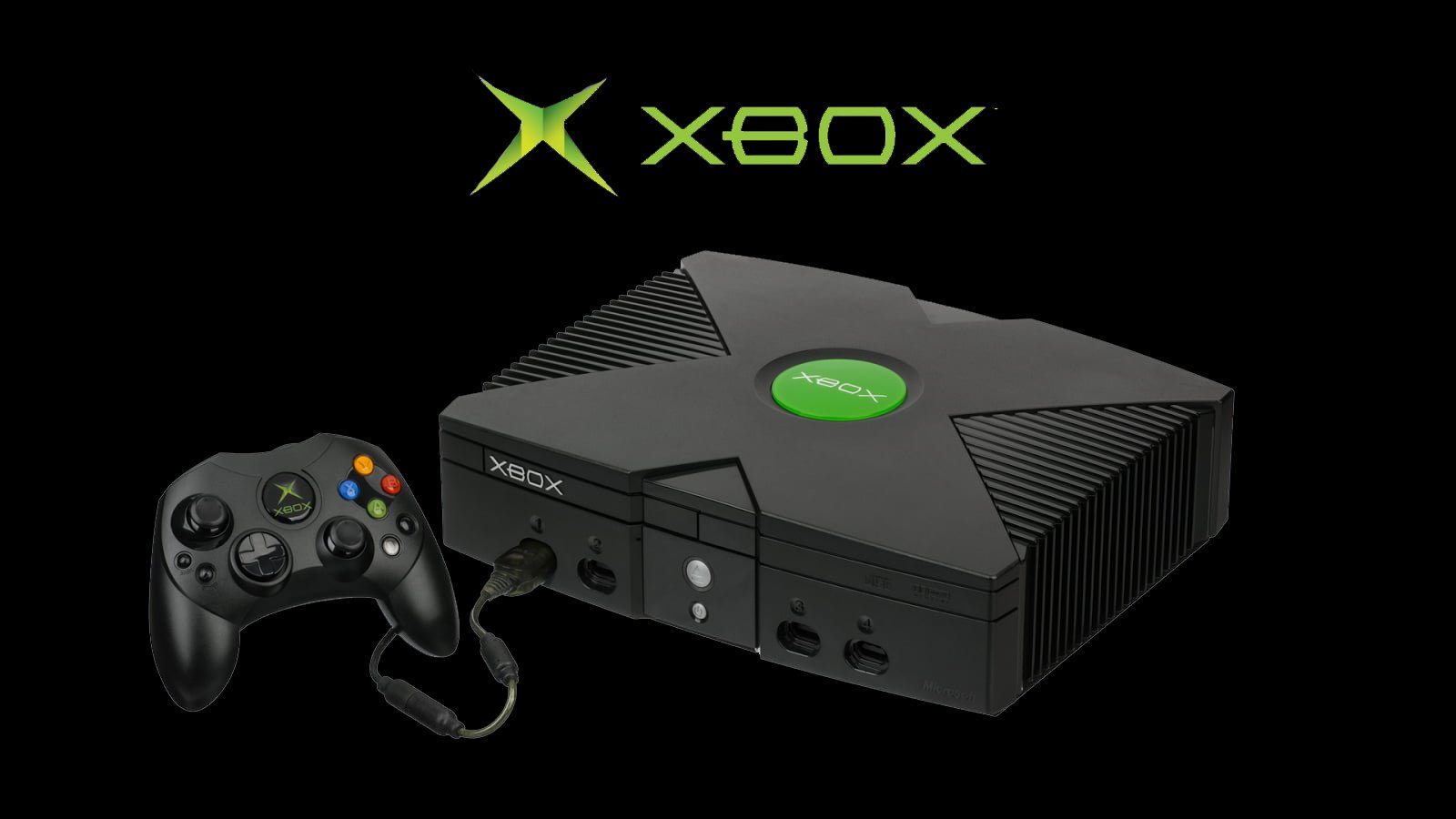
Windows 11 Gets 21 More Xbox Retro Games: Full List & Details
The landscape of PC gaming continues its dynamic evolution, constantly blurring the lines between traditional platforms. In a significant move that delights long-time fans and introduces classic experiences to a new generation, Windows 11 has just received a substantial update to its backward compatibility offerings. This expansion, coinciding with the momentous 25th anniversary of Xbox, is more than just a simple addition of games; it represents Microsoft’s ongoing commitment to unifying its gaming ecosystem and leveraging the power of its flagship operating system as a versatile hub for entertainment. For years, the dream of seamlessly playing beloved console classics on a modern PC has been a persistent one, and each step towards this integration solidifies Windows 11’s position as a premier destination for gamers. This recent influx of retro titles not only celebrates a rich history but also paves the way for a more connected and accessible future in interactive entertainment. It’s a clear signal that the past, present, and future of gaming are converging directly on your desktop, bringing cherished memories and undiscovered gems right to your fingertips. This strategic expansion is designed to resonate deeply with the vast community of PC users, offering them an unprecedented opportunity to revisit or experience, for the first time, some of the most iconic titles from Xbox’s quarter-century legacy, all without needing dedicated console hardware.
This initiative thoughtfully addresses a core desire within the gaming community: the preservation and accessibility of classic titles. By integrating these games directly into the Windows 11 experience, Microsoft is not just offering nostalgia; it’s providing a practical solution for game archiving and broadening the reach of these seminal works. Players no longer need to maintain older hardware or navigate complex emulation setups. Instead, their Windows 11 PC transforms into a gateway to a bygone era of gaming, seamlessly blending high-performance modern computing with the charm and challenge of titles that defined a generation. This approach significantly enhances the value proposition of Windows 11 for gamers, positioning it as an indispensable platform for both cutting-edge releases and timeless classics. It’s an affirmation of the enduring appeal of these older titles and a testament to the power of robust backward compatibility as a feature that truly enriches the gaming experience across diverse hardware ecosystems. The implications extend beyond mere convenience, fostering a deeper appreciation for gaming history and ensuring that these cultural touchstones remain vibrant and playable for years to come.
Expanding Game Lists: Windows 11 Embraces Xbox Retro Titles with 21 New Additions
Windows 11 has significantly enhanced its gaming catalog by adding 21 new retro Xbox titles, bringing the total number of backward-compatible games available on PC to 25. This expansion celebrates Xbox’s 25th anniversary, allowing PC users to play these classic console games directly on their Windows 11 systems, with some even receiving new achievement support.
The celebration of Xbox’s 25th anniversary has ushered in a wave of nostalgia and excitement for PC gamers. With the addition of 21 new titles, the total roster of Xbox games now playable on Windows 11 through backward compatibility stands at 25. This move allows a broad audience of PC users to access a curated selection of classic games that originally graced the Xbox consoles, further solidifying Windows 11’s position as a versatile gaming platform. The initial four games that were already available set the stage, and this substantial influx dramatically increases the variety and appeal for those looking to revisit or discover iconic experiences.
This initiative not only honors the rich history of Xbox but also demonstrates a forward-thinking approach to game accessibility and preservation. By making these titles available on PC, Microsoft is ensuring that a wider audience can engage with these foundational games, many of which influenced modern game design. While the complete list of all 21 newly added games was detailed visually in the original announcement, the core impact lies in the sheer volume of quality content now at the fingertips of Windows 11 users, transforming their PCs into powerful retro gaming machines.
A Dive into Enhanced Experiences: Achievement Support for Select Classics
Among the newly integrated retro titles, four standout games have received a special upgrade: official achievement support. This addition elevates the replayability and challenge for players, aligning these classic experiences with modern gaming expectations. The titles now boasting achievements are Star Wars Knights of the Old Republic, Knights of the Old Republic 2, Blinx The Time Sweeper, and Conker Live and Reloaded. This feature is a significant draw, especially for completionists and those who appreciate structured in-game goals.
The integration of achievements extends beyond Windows 11 PCs; these milestones are also available on Xbox One and Xbox Series consoles. What’s more, for players who have already completed tasks within these games on their consoles prior to this update, achievements are unlocked retroactively. This thoughtful implementation ensures that long-time fans are rewarded for their past dedication, making the expansion even more appealing and recognizing their investment in these timeless titles across different platforms.
The Strategic Benefits of Xbox Backward Compatibility on PC
The expansion of Xbox backward compatibility to Windows 11 offers a multi-faceted array of strategic benefits, impacting players, Microsoft, and the broader gaming industry. For players, the most immediate advantage is unparalleled access to a cherished library of games without the need for dedicated retro hardware. This convenience means that classic titles, previously confined to older consoles, are now readily available on a platform many already own and use daily. It simplifies the process of revisiting beloved experiences or discovering seminal works that shaped the industry, fostering a deeper appreciation for gaming history and evolution.
From Microsoft’s perspective, this move significantly strengthens the Windows ecosystem. By positioning Windows 11 as a central hub for both current-generation PC titles and a growing collection of Xbox classics, the company enhances the operating system’s value proposition. This integration encourages user engagement within the Microsoft ecosystem, potentially driving adoption of Windows 11 and further integrating services like the Xbox app and Game Pass. It aligns with a broader strategy of platform convergence, where the lines between console and PC gaming become increasingly fluid, benefiting from shared libraries and cross-platform capabilities. This unified approach also reinforces the PC as a primary gaming destination, offering a comprehensive and diverse content portfolio.
Beyond immediate user and corporate gains, the initiative plays a vital role in game preservation. Many older titles face the risk of becoming inaccessible as original hardware ages or breaks down. By making these games playable on modern Windows PCs, Microsoft actively contributes to their longevity and cultural preservation. This ensures that future generations of gamers and scholars can experience and study these important works, maintaining a link to gaming’s foundational era. It’s a testament to the enduring appeal and significance of these games, cementing their place in the ongoing narrative of interactive entertainment.
Bridging Generations: A New Era for Classic Titles
This backward compatibility initiative effectively bridges the gap between different generations of gamers and gaming hardware. For veteran players, it offers a seamless return to their youth, allowing them to relive cherished memories with the convenience of modern PC setups. They can experience these classics with potentially improved visuals (depending on the game and system) and modern control schemes, breathing new life into familiar worlds. For younger audiences, it’s an opportunity to explore the roots of many contemporary franchises and genres, understanding the foundational innovations that paved the way for today’s blockbusters.
The ability to play these games on a PC also opens up possibilities for content creators, modders, and community engagement. Modern streaming and recording tools on Windows 11 make it easier to share these classic experiences, sparking new discussions and interpretations. This revitalized accessibility ensures that these classic titles remain relevant and continue to contribute to the gaming conversation, fostering a deeper connection between the past and present of interactive entertainment. It’s about more than just playing old games; it’s about recontextualizing them for a contemporary audience, ensuring their legacy endures and evolves.
Navigating the Windows 11 Retro Gaming Experience: Key Considerations
While the addition of retro Xbox games to Windows 11 is an exciting development, players should be aware of a few key considerations to ensure an optimal experience. The performance of these older titles can vary depending on your PC’s hardware specifications. Although modern systems are generally powerful, some older games might exhibit quirks or require specific configurations to run smoothly. Factors such as graphics card drivers, processor compatibility, and even certain Windows 11 updates could subtly influence gameplay, frame rates, or visual fidelity. It’s not always a plug-and-play experience, and minor adjustments might be needed to fine-tune each title.
Another important aspect is controller compatibility. While many PC gamers utilize Xbox controllers, ensuring that older games correctly recognize and map modern gamepads can sometimes be a challenge. Certain titles might have been designed for very specific controller layouts or peripheral types that were prevalent during their original release, potentially leading to initial setup hurdles. Additionally, individual game compatibility may differ; while the overarching backward compatibility is in place, the specific nuances of each title, such as resolution scaling or aspect ratio presentation, can sometimes present unexpected behaviors. Keeping these potential variations in mind helps manage expectations and prepare for any necessary troubleshooting to achieve the desired classic gaming feel.
Best Practices for an Optimized Retro Gaming Journey
To maximize your enjoyment of Xbox retro games on Windows 11, adopting a few best practices is highly recommended. Firstly, ensure your Windows 11 operating system and graphics drivers are always up to date. Microsoft frequently releases updates that can improve compatibility and performance, while graphics card manufacturers often optimize their drivers for broader game support. Regularly checking for these updates can prevent many common issues before they even arise, providing a smoother and more stable gaming environment for classic titles.
Secondly, consider investing in a modern Xbox Wireless Controller if you don’t already own one. These controllers offer seamless integration with Windows 11 and the Xbox app, minimizing setup headaches for most backward-compatible titles. For games with specific control needs, exploring community forums or online guides can provide valuable insights into optimal settings or alternative input methods. Finally, manage your expectations regarding visual fidelity; while modern PCs can often upscale older games, they remain products of their era. Embracing their original graphical style and appreciating the gameplay mechanics for what they were is key to truly enjoying these historical pieces of gaming. Prioritizing the authentic experience over modern graphical expectations will enhance your appreciation for these classics.
The Future of Xbox Game Lists on Windows 11: Trends and Perspectives
The recent expansion of Xbox retro games on Windows 11 is not merely a nostalgic gesture; it signals a clear trend towards deeper integration and cross-platform accessibility within Microsoft’s gaming strategy. Looking forward, we can anticipate further efforts to blend the Xbox and PC gaming experiences, making Windows 11 an even more robust and comprehensive platform for all types of players. This could manifest in various ways, such as the gradual addition of more titles to the backward compatibility list, potentially encompassing a broader range of original Xbox and Xbox 360 classics that have not yet made the leap to PC. The goal is likely to cultivate a unified gaming identity, where the distinction between playing on a console or a PC becomes increasingly negligible from a content access standpoint.
Another significant trend to consider is the role of cloud gaming, particularly Xbox Cloud Gaming (xCloud). As this technology matures, it could offer an alternative or complementary pathway for accessing even more retro titles on Windows 11, reducing the reliance on local hardware specifications for older games. This approach would broaden accessibility, allowing gamers with less powerful PCs to enjoy a vast library of classics streamed directly to their devices. Furthermore, we might see enhanced features for these retro games, such as further graphical enhancements, improved UI integration, or even community-driven mod support, leveraging the open nature of the PC platform to revitalize these older experiences beyond simple emulation. The long-term vision appears to be one where Windows 11 serves as the ultimate gateway to the entire Xbox gaming legacy, bridging generations of hardware and software with seamless efficiency.
Unlocking New Eras: The Evolving Landscape of Cross-Platform Play
The move to bring more Xbox retro games to Windows 11 underscores a larger industry shift towards cross-platform play and a more unified digital ecosystem. Microsoft is actively dismantling traditional barriers between gaming hardware, recognizing that players value flexibility and choice above all else. This strategy positions Windows 11 not just as an operating system, but as a dynamic portal to an expansive and ever-growing library of games, irrespective of their original platform. The emphasis is on content accessibility, allowing players to invest in games that can be enjoyed across multiple devices, fostering a sense of continuity in their gaming journey. This approach not only benefits consumers but also strengthens Microsoft’s competitive edge in the highly contested gaming market by offering a compelling and integrated proposition.
As technology continues to advance, the future may hold even more sophisticated forms of cross-platform integration, potentially including shared saves, cross-play capabilities for certain retro titles (if technically feasible), and advanced cloud features. The current trend suggests a future where your game library is tied to your account, not your device, offering unprecedented freedom and convenience. This commitment to breaking down silos and embracing a comprehensive, player-centric approach is likely to define the next era of gaming, with Windows 11 playing a pivotal role in realizing this interconnected vision, bringing together the rich heritage of Xbox with the expansive possibilities of PC gaming.
Frequently Asked Questions About Xbox Retro Game Lists on Windows 11
-
What is Xbox backward compatibility on Windows 11?
Xbox backward compatibility on Windows 11 allows users to play select classic Xbox titles directly on their PC without needing the original console hardware. This initiative integrates a growing list of games from the original Xbox and Xbox 360 eras into the Windows 11 environment, leveraging modern PC capabilities to run these older titles. It’s a key part of Microsoft’s strategy to bridge its gaming ecosystems, offering a unified library experience. This means that instead of dusting off an old console, gamers can simply launch these beloved classics from their Windows 11 machine, enjoying them with modern amenities such as high-resolution displays and contemporary control inputs, enhancing accessibility and game preservation for a wide audience.
-
How many Xbox retro games are now available on Windows 11?
As part of Xbox’s 25th-anniversary celebration, Windows 11 has expanded its backward-compatible game library significantly. With the recent addition of 21 new retro titles, the total number of Xbox games now playable on Windows 11 has reached 25. This substantial increase provides a much richer selection for PC gamers interested in exploring the history of Xbox. This growing catalog allows players to enjoy a diverse range of genres and experiences that defined the early days of console gaming, all from the convenience of their personal computer, making Windows 11 an increasingly attractive platform for fans of classic gaming.
-
Do all new retro Xbox games on Windows 11 support achievements?
No, not all of the 21 newly added retro Xbox games on Windows 11 support achievements. However, four specific titles from the expanded list have received this modern gaming feature: Star Wars Knights of the Old Republic, Knights of the Old Republic 2, Blinx The Time Sweeper, and Conker Live and Reloaded. For these particular games, players can now unlock achievements, adding a layer of challenge and replayability that is common in contemporary titles. This targeted enhancement means that while not universal, a notable portion of these classics offers an updated experience for completionists.
-
Are achievements for these games retroactive on Xbox consoles?
Yes, achievements for the newly supported games—Star Wars Knights of the Old Republic, Knights of the Old Republic 2, Blinx The Time Sweeper, and Conker Live and Reloaded—are indeed retroactive on Xbox One and Xbox Series consoles. This means that if you previously completed certain objectives or missions in these games on your Xbox console before this update, the corresponding achievements will automatically unlock once the system recognizes your past accomplishments. This is a welcome feature for long-time fans who have already invested significant time into these titles, allowing them to instantly reap the rewards of their historical gameplay without needing to replay content.
-
What are the system requirements for playing these retro games on Windows 11?
While specific system requirements can vary slightly for each retro title, generally, any PC capable of running Windows 11 efficiently should be able to handle these older Xbox games. Modern Windows 11 systems typically exceed the original hardware specifications these games were designed for, ensuring smooth performance. However, having up-to-date graphics drivers and sufficient RAM is always recommended for the best experience. The advantage of playing on PC is that these games can often benefit from higher resolutions and refresh rates than their original console versions, offering a visually enhanced experience without requiring cutting-edge hardware components typically demanded by new AAA titles.
-
Will more retro Xbox games be added to Windows 11 in the future?
While specific future announcements are not guaranteed, Microsoft’s consistent efforts to expand backward compatibility and integrate its gaming ecosystems strongly suggest that more retro Xbox games could be added to Windows 11 over time. The company has shown a clear commitment to game preservation and cross-platform accessibility, making it a logical progression to continue expanding the library of playable classics on PC. This ongoing strategy indicates a long-term vision for Windows 11 as a comprehensive gaming hub, where players can access a vast and diverse collection of titles spanning multiple console generations, continually enhancing the platform’s value proposition for all gamers.
-
How does this initiative benefit PC gamers?
This initiative significantly benefits PC gamers by providing convenient access to a wealth of classic Xbox titles without requiring additional console hardware or complex emulation setups. It offers a pathway to experience historically significant games, many of which are critically acclaimed, directly on their existing Windows 11 PCs. This not only broadens their gaming library but also fosters an appreciation for gaming history. Furthermore, playing on PC can often mean enjoying these older titles with the benefits of modern displays, enhanced graphics settings (where applicable), and preferred control inputs, such as modern Xbox controllers, creating a superior and more accessible retro gaming experience for a wide range of enthusiasts.
As Windows 11 continues to evolve, its identity as a premier gaming platform becomes increasingly undeniable. The integration of 21 additional Xbox retro titles, culminating in a collection of 25 classics, is far more than a simple numerical increase; it’s a profound statement about the future of gaming accessibility and preservation. This strategic move, timed perfectly with Xbox’s quarter-century milestone, not only celebrates a rich past but actively builds a more interconnected future where the joy of gaming transcends hardware limitations. For the vast community of Nerd Culture & Entertainment Fans, this means unprecedented access to foundational titles, now enhanced with features like achievement support for select games, bringing a fresh layer of engagement to beloved narratives and challenging gameplay.
This initiative exemplifies a commitment to nurturing a comprehensive ecosystem where classic console experiences seamlessly converge with the power and flexibility of PC gaming. It ensures that iconic sagas, innovative gameplay mechanics, and unforgettable characters remain vibrant and accessible for both veteran players revisiting their youth and new generations discovering gaming’s heritage. The journey towards a truly unified gaming landscape is ongoing, and Windows 11, with its expanding lists of backward-compatible treasures, is proving to be a critical bridge. Embrace this opportunity to dive deep into gaming history, explore new challenges, and experience the enduring magic of Xbox’s legacy, now more accessible than ever before on your PC.











Post Comment